Upload the ZIP
After you sign in to your hosting go to your file manager and upload the downloaded zip file then extract it in your
/public_html folder.
Extract the ZIP file
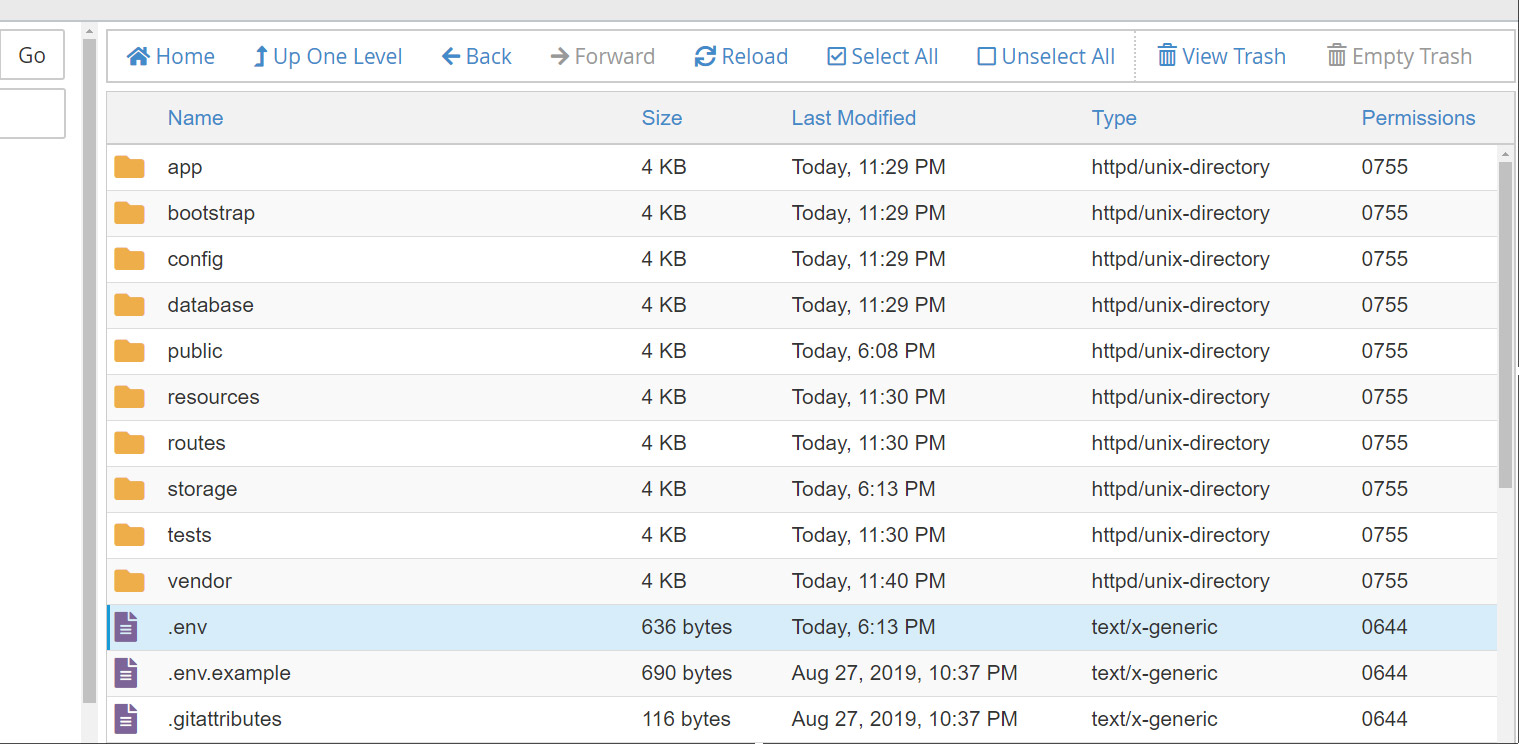
Click right on your uploaded zip file and choose extract , you should get the following files in your file manager
Configure Environment File
Inside the root folder of your admin panel, you will find a file named
.env copy and past it into the root folder of the extracted zip file like the screenshot below.